
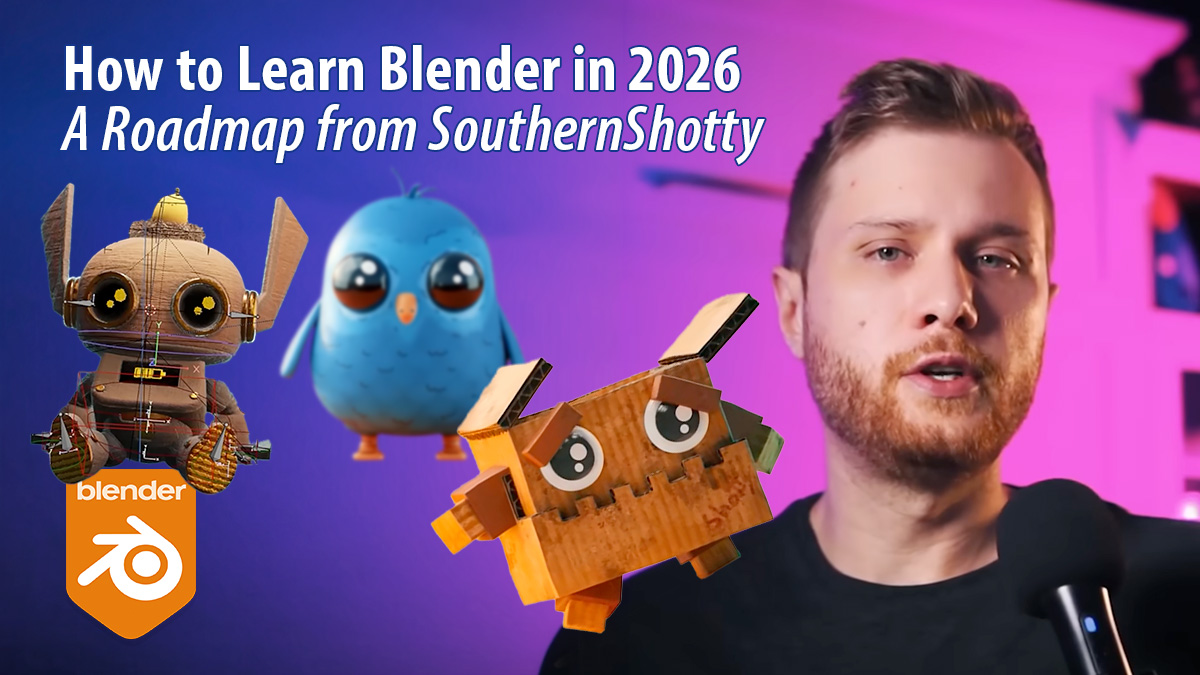
From Fundamentals to Professional Specialisation: The Expert-Curated Resource Guide
Learning Blender can feel like standing at the base of a mountain with no clear path to the summit. In his latest YouTube video, SouthernShotty breaks down the journey into a logical progression. This roadmap presents a Blender learning journey that starts with fundamentals and then branches into specialised areas, highlighting the specific creators and resources that define the 2026 Blender landscape.
Watch the SouthernShotty’s video
Where to Start: The Fundamentals
Before diving into complex simulations, every artist must understand the core logic of 3D. The roadmap suggests starting with a structured beginner series that focuses on UI navigation, basic modelling, and the software’s foundational “vocabulary”.
CG Cookie
CG Cookie is highlighted as a premier destination for those who want a formal, high-quality education. Their “Basics” series is praised for its production value and its ability to teach Blender from the absolute ground up without skipping essential theory.
Blender Guru
Andrew Price, known as Blender Guru, remains a staple recommendation. The “Donut” (Doughnut) tutorial is described as the rite of passage for almost every Blender artist, serving as an effective, free entry point that covers a bit of everything.
SouthernShotty
The creator himself offers a streamlined approach focused on getting results quickly. His beginner series is recommended for those who want to jump into character-style work and basic animation early in their journey.
Specialised Track: Motion Graphics
Once the basics are mastered, motion graphics (MoGraph) is a popular and lucrative path. The video identifies creators who focus on abstract loops, procedural layouts, and aesthetic product renders.
Ducky 3D
Ducky 3D is the “go-to” for motion graphics. His tutorials are celebrated for their efficiency, teaching users how to create visually stunning, loopable animations that look professional but are accessible to intermediate learners.
- Simple Grid Animation Tutorial — Free
- How To Make Simple Animations in Blender — Free
- Intro to Motion Graphics (Blender Course) — Paid
Derek Elliott
Derek Elliott is recommended specifically for those interested in product animation. His workflow bridges the gap between technical modelling and the high-end presentation required for commercial advertisements.
Mastering Form: Sculpting and Environment Design
For artists interested in organic shapes and world-building, the roadmap moves into sculpting. This phase focuses on digital clay and the construction of vast, cinematic spaces.
Grant Abbitt
Grant Abbitt is lauded for his “learning-by-doing” philosophy. His sculpting tutorials are ideal for beginners because they break down complex anatomical or organic shapes into manageable, encouraging steps.
Ryan King Art
Ryan King Art is highlighted for his clear, methodical teaching style. He is particularly recommended for those who want to learn sculpting from scratch and apply it to cute, stylised characters.
CG Boost (Martin Klekner)
Martin Klekner and the CG Boost team are the primary recommendation for environment art. Their courses are described as “deep dives” that teach students how to build entire cinematic worlds with professional-level detail.
Character Creation and Advanced Assets
Characters require a mix of modelling, texturing, and specific anatomical knowledge. The creators in this section are chosen for their ability to guide learners through the entire pipeline.
CrossMind Studio
CrossMind Studio is recommended for its high-quality, free “Kickstart” series, which provides a comprehensive look at the character creation workflow without the need for an immediate financial investment.
Lacruzo
Lacruzo is highlighted for a specific, modern aesthetic. Learners should follow this source if they are interested in stylised, low-poly characters that are perfectly optimised for games or social media content.
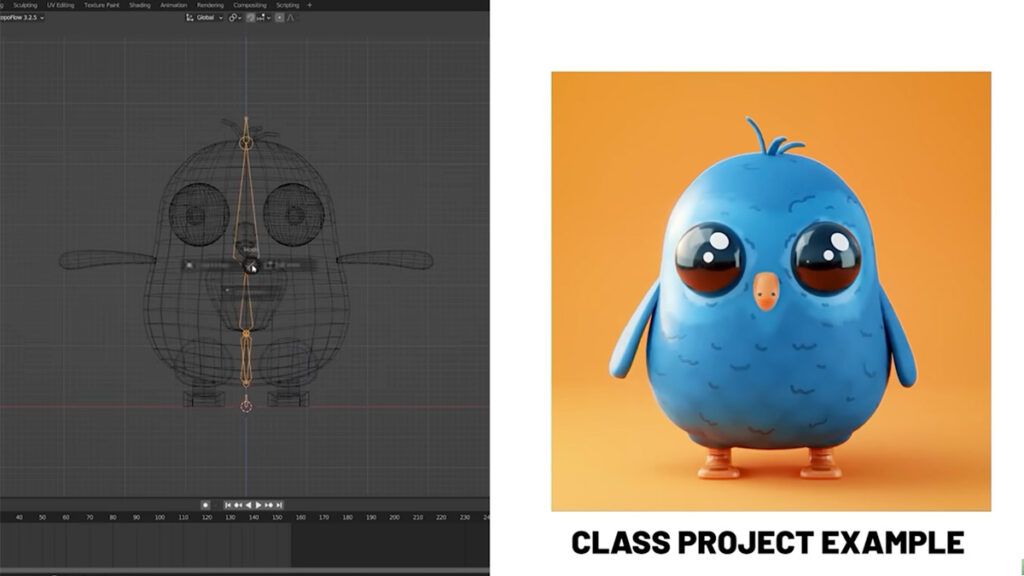
Technical Pillars: Animation and Rigging
To bring characters to life, one must understand movement and the internal “skeleton” (rigging). The video identifies industry veterans who teach these complex technical skills.
Pierrick Picaut (P2DESIGN)
Pierrick Picaut is described as a master of movement. His “Alive!” course is widely considered the industry standard for learning professional animation principles, specifically within the Blender software.
Dikko
Dikko is recommended for his legendary “Rigging 101” series. His teaching style focuses on the “why” behind rigging, ensuring that learners don’t just follow steps but actually understand the mechanics of character deformation.
Procedural Workflows: Geometry Nodes
Geometry Nodes are the future of Blender. The roadmap suggests several creators who specialise in converting traditional modelling into procedural, node-based systems.
CG Matter
CG Matter (and his alternate channel, Default Cube) is the recommended source for those who want to dive into the technical “maths” of nodes. He is known for fast-paced, highly informative tutorials that push the software’s limits.
Harry Blends
Harry Blends is noted for making Geometry Nodes feel accessible. His tutorials are perfect for artists who want to use nodes for practical, aesthetic effects without feeling overwhelmed by technical complexity.
The Finishing Touches: Lighting and Colour
Finally, the video covers how to present your work. Proper lighting and colour management can turn a mediocre model into a professional-grade render.
Kaizen Tutorials
Kaizen is the primary recommendation for lighting. His tutorials explain the “power of lighting” and how it can be used to set the mood and direct the viewer’s eye within a 3D scene.
Creative Shrimp
Gleb Alexandrov and Aidy Burrows of Creative Shrimp are industry legends. Their resources are suggested for those who want to master photorealism and advanced rendering techniques.
Christopher 3D
For the technical nuances of colour management and the newer Blender AgX colour transform, Christopher 3D is the essential resource to ensure your renders don’t look “washed out.”
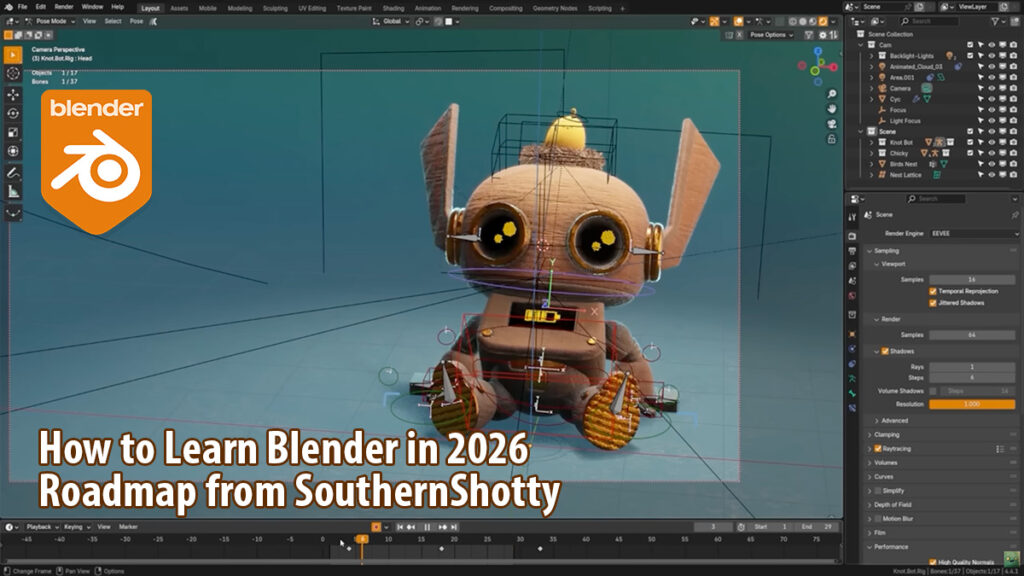
Keep following these artists and studios
To really grow in Blender, keep following these artists and studios. You learn best from masters and industry professionals who share proven workflows, strong creative judgement, and real production experience.
SouthernShotty
Official website · LinkedIn · YouTube · Instagram · ArtStation
CG Cookie
Official website · LinkedIn · YouTube · Instagram
Blender Guru (Andrew Price)
Official website · YouTube · Instagram · ArtStation
Ducky 3D
Official website · YouTube · Instagram
Pierrick Picaut (P2DESIGN)
Official website · YouTube · Instagram · ArtStation
CG Boost (Zach Reinhardt & Martin Klekner)
Official website · YouTube · Instagram
Grant Abbitt
Official website · YouTube · Instagram · ArtStation
Creative Shrimp
Official website · YouTube · Instagram · ArtStation
Ryan King Art
YouTube · Instagram · ArtStation